
AI video generation has crossed a threshold. For the past few years, the technology has been impressive but incomplete — capable of producing striking visuals that still needed significant post-production before they were usable in any real workflow. You could generate a beautiful four-second clip, but turning it into something a client would accept? That required stitching, upscaling, sound mixing, and a fair amount of manual labor.
MiniMax H3, released on July 31, 2026, does not solve every problem in AI video. But it does something arguably more important: it closes enough of the gaps between "AI-generated clip" and "deliverable asset" that the workflow math starts to change. Here are five reasons why.
Reason 1: Native 2K Makes Upscaling a Thing of the Past
Most AI video models through early 2026 generated at 720p or 1080p. That was fine for previews and mood boards, but the moment you needed to deliver a video to a client, display it on a retail screen, or publish it at platform-native quality, you hit a wall. The standard workaround was AI upscaling — running the output through a separate model to boost resolution before delivery.
Upscaling works, but it is an extra step, an extra tool, and an extra point of failure. It adds processing time. It can introduce artifacts. And fundamentally, it is compensating for a limitation in the generation itself.
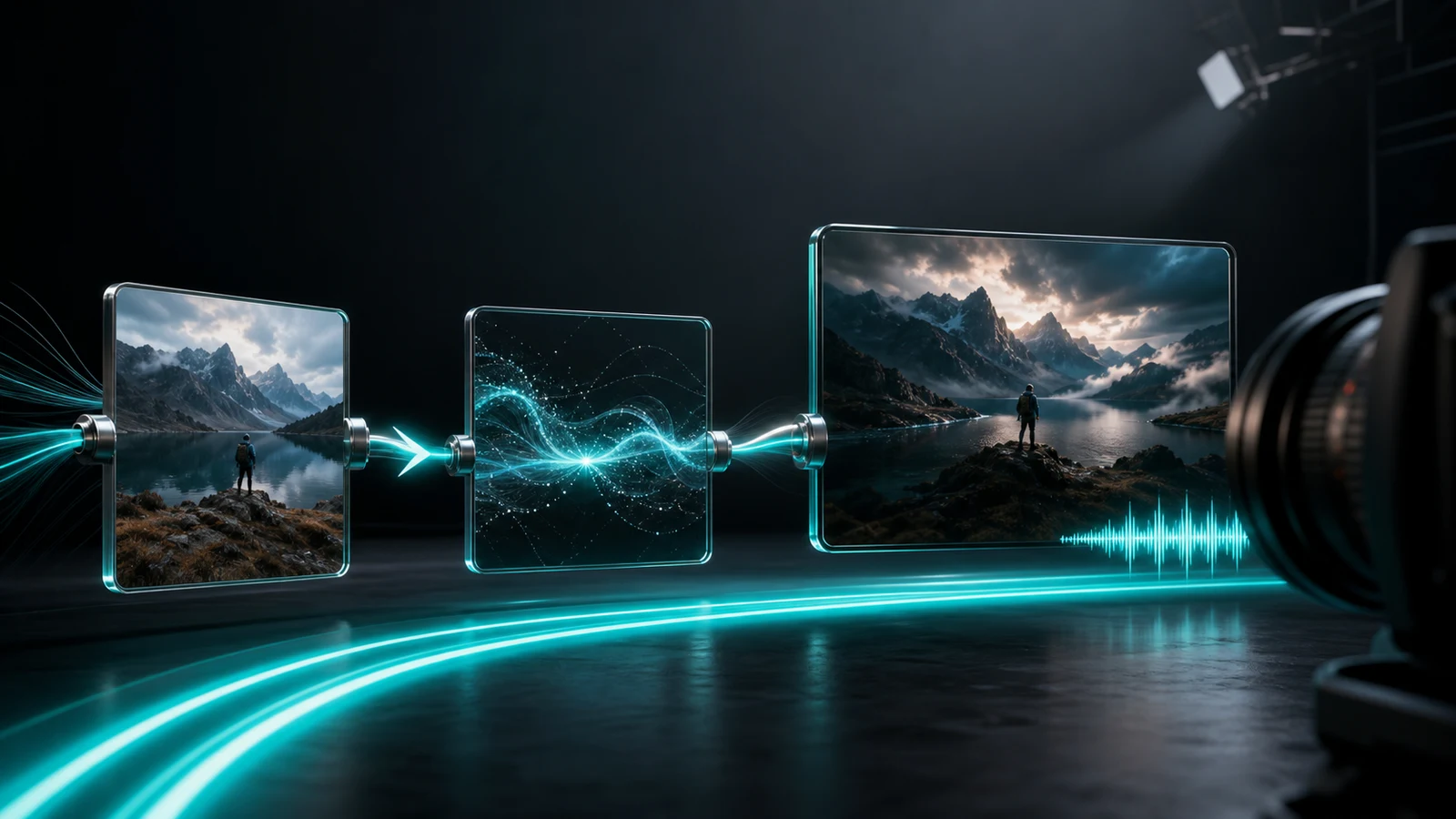
H3 renders at full 2K (2560×1440) natively — inside the model, during generation. The detail you see in the output is the detail the model produced, not an algorithmic guess about what the pixels should look like at higher density. For creators working on premium social ads, fashion content, brand films, or anything destined for a large display, that difference matters. You go from "generate, then fix" to "generate, then use."
This does not make upscaling obsolete across the board — some workflows still benefit from pushing to 4K or beyond. But for the growing middle ground where 2K is the delivery spec, MiniMax H3 removes a step from the pipeline entirely.
Reason 2: Fifteen Seconds Is the Difference Between a Fragment and a Scene
Duration sounds like a simple number, but it changes what you can actually build in a single generation.
At 5–10 seconds — the ceiling for most AI video models until recently — you can produce a single camera movement, a brief action, or an opening hook. Useful, but limited. To tell even a minimal story — a product reveal, a character entering a room, a dialogue exchange — you needed to generate multiple short clips and stitch them together in an editor. Each generation was a lottery draw. Matching lighting, character appearance, and pacing across separate clips added friction and inconsistency.
H3 generates up to 15 seconds in a single pass, with the ability to extend to approximately 30 seconds using its Extend tool. More importantly, it can contain multiple shots within that window — an establishing shot, a key action, a reaction, and a visual conclusion — all produced with consistent lighting, character identity, and camera logic.
For short-form creators, this is not a minor convenience. It is the difference between generating a scene and generating a piece of a scene. Fewer generation passes means fewer lottery draws, less manual stitching, and more natural rhythm within the final output. A 15-second clip with native audio is a TikTok ad, a product demo, or a narrative beat — not a building block that still needs assembly.
Reason 3: Native Audio Turns Visual Assets into Editable First Cuts
This might be the most underappreciated shift H3 brings.
For most of AI video's history, the output has been silent. You generate the visuals, and then you enter a completely separate production phase: finding or generating dialogue, layering in sound effects, choosing background music, timing everything to the on-screen action. Sound design is often as time-consuming as the visual generation itself, especially for ad creatives and narrative content where audio carries half the emotional weight.
H3 generates audio alongside video in a single pass. Dialogue, sound effects, ambient atmosphere — all produced during the same generation process, timed to what happens on screen. A character speaks, and the mouth movements match. Glass breaks, and you hear it crack. Rain falls while a conversation unfolds.
The practical implication is a change in what the output is. A silent AI video is a visual asset — a raw material that needs more work before it resembles a finished product. A video with synchronized dialogue and sound effects is something much closer to a first cut — something you can review, give notes on, and move toward final with relatively minor adjustments.
For advertising teams, this means a social ad can be conceived, generated, and reviewed in a single session rather than spread across visual generation and audio post-production. For narrative creators, it means character scenes feel alive from the moment they are generated. For music video producers, it means visuals and audio can be developed in tandem rather than sequentially.
The caveat: "native audio" is not a synonym for "broadcast-ready audio." Dialogue accuracy, lip-sync quality, emotional tone, and sound design precision all still need evaluation on a case-by-case basis. But the bar has moved. The question is no longer "does this model produce sound?" but "is this sound good enough to keep?"
Reason 4: Omni-Reference Finally Solves the Character Consistency Problem
Ask any AI video creator what frustrates them most, and character consistency will be near the top of the list. Generate a woman in a red dress walking through a park, and she may look like a completely different person in the next shot. Her face shifts. Her hair changes. Her body proportions drift. For anyone trying to tell a story with recurring characters — which is to say, most storytellers — this has been a fundamental limitation.
Previous solutions were workarounds: carefully crafting prompts to describe the same person, using image-to-video to anchor a starting frame, or simply accepting that each generation was a fresh roll of the dice. None of them reliably preserved identity across multiple shots.
H3 introduces Omni-Reference — a system that accepts up to 9 reference images, 3 video clips, and 3 audio clips in a single generation request. The model treats all of these inputs as a unified context: it extracts the character's appearance from photos, borrows motion language from video references, and absorbs vocal characteristics from audio samples.
The result is not just cosmetic consistency (though that matters). It is narrative consistency. A character can appear in a wide shot, move into a close-up, and deliver a line — and remain recognizably the same person throughout. For short dramas, episodic social content, brand mascots, and any serialized format, this unlocks storytelling approaches that were simply not viable with previous-generation models.
The practical advice from early users is consistent: reference quality determines output quality. Clean, evenly-lit photos with direct face angles work best. Pairing visual references with audio samples anchors both appearance and voice. And reusing the same reference set across generations maintains continuity in series content.
Reason 5: Instruction-Based Editing Changes How You Iterate
Here is a scenario every AI video creator knows well. You generate a 15-second clip. The overall composition is great — the lighting, the camera movement, the character's expression. But one detail is wrong. Maybe the background color clashes with the product. Maybe the pacing drags in the middle. Maybe the character's outfit is not quite right.
With most models, your only option is to adjust the prompt and regenerate from scratch. You lose the composition you liked. You lose the performance. You roll the dice again and hope the new version gets the small thing right without breaking the big things that were already working.
H3 introduces instruction-based editing: you describe the change in natural language, and the model applies it to the existing generation. "Change the background to a sunset beach." "Make the jacket blue." "Speed up the camera movement in the second half." The model modifies only the specified elements while preserving everything else.
This sounds like a small thing. It is not. It changes the iteration model from "generate, evaluate, discard, repeat" to "generate, evaluate, refine, polish." That is the difference between a random process and a directed one. It is how professional creative work has always operated — you start with a rough cut and improve it incrementally, not by throwing everything away and starting over each time.
For teams producing multiple versions of ad creatives (A/B testing different hooks, product presentations, or call-to-action placements), instruction-based editing means each variant builds on an already-approved foundation rather than starting from zero. For narrative creators, it means a scene can be refined shot-by-shot without losing the cumulative work of earlier generations.
The Bigger Picture: From Tool to Production Engine
These five shifts — native resolution, longer duration, built-in audio, character consistency, and iterative editing — are significant individually. Together, they point to something larger.
AI video generation has, until now, functioned primarily as a tool — a powerful one, but a tool nonetheless. You used it to produce a component (a visual clip) that then entered a traditional post-production pipeline for sound, editing, color, and assembly. The AI step was one link in a longer chain.
H3 starts to look like something different: a production engine for short-form content. Not a replacement for traditional filmmaking or professional post-production — those still have capabilities that generative models cannot match, especially for long-form, high-stakes, or brand-critical work. But for the expanding universe of short-form content — social ads, product videos, music visuals, narrative shorts, creative prototypes — H3 bundles enough of the production chain into a single step that the workflow genuinely changes.
What used to require a video generator + an upscaler + a sound designer + an editor can now, for many practical use cases, be handled in one generation pass with one iteration cycle. That is not a marginal improvement. It is a change in the economics and accessibility of video production.
For individual creators, it means higher-quality output with less tooling and less expertise required. For agencies and marketing teams, it means faster turnaround on ad creatives and concept videos. For content studios, it means a single model can handle a wider range of production tasks without specialized pipelines for each.
Where H3 Does Not Change the Game
Honesty matters here. H3 is not the right answer for every scenario.
- If your delivery spec is 4K, H3's native 2K ceiling means you still need either upscaling or a different model (Kling 3.0 Pro and Veo 3.1 both offer native 4K in certain modes).
- If you need shots longer than 15 seconds in a single generation (30 seconds with Extend), you are still outside H3's range.
- If your project demands broadcast-quality dialogue with 48kHz fidelity, Veo 3.1 currently leads on that axis.
- If you need open-weight deployment for on-premise or custom fine-tuning, H3 is a platform model — API access only.
- And if you are working on long-form narrative (feature films, episodic series with 20-minute episodes), generative video is still a pre-visualization and prototyping tool, not a production replacement.
The point is not that H3 does everything. The point is that it does enough, well enough, at a low enough price point, that the threshold for "what can AI video actually produce?" has shifted meaningfully.
The Bottom Line
MiniMax H3 does not represent a single breakthrough. It represents the convergence of several practical improvements — each meaningful on its own, collectively transformative for short-form video production. Native 2K removes the upscaling step. Fifteen-second multi-shot generation eliminates fragment-and-stitch workflows. Built-in audio converts silent clips into near-complete scenes. Omni-Reference locks character identity across shots. And instruction-based editing turns random regeneration into directed iteration.
For creators, marketers, and content teams working in the short-form space, the question is no longer "can AI video generate something impressive?" That was answered years ago. The question now is "can AI video generate something usable — something close enough to a final product that the remaining production cost is small enough to justify the workflow?"
With H3, for a growing range of use cases, the answer is yes. And that is why it changes the game. If you want to explore H3's capabilities hands-on and see real examples, minimaxh3.art is a good place to start.
参考资料
- DeeVid Review: https://deevid.ai/blog/minimax-h3-review
- OrcaRouter Explained: https://www.orcarouter.ai/blog/minimax-h3-hailuo-3-explained
- Kie.ai Guide: https://kie.ai/blog/what-is-hailuo-h3
- OpenArt: https://openart.ai/ai-model/minimax-h3/
- Atlas Cloud: https://www.atlascloud.ai/zh/models/minimax-h3