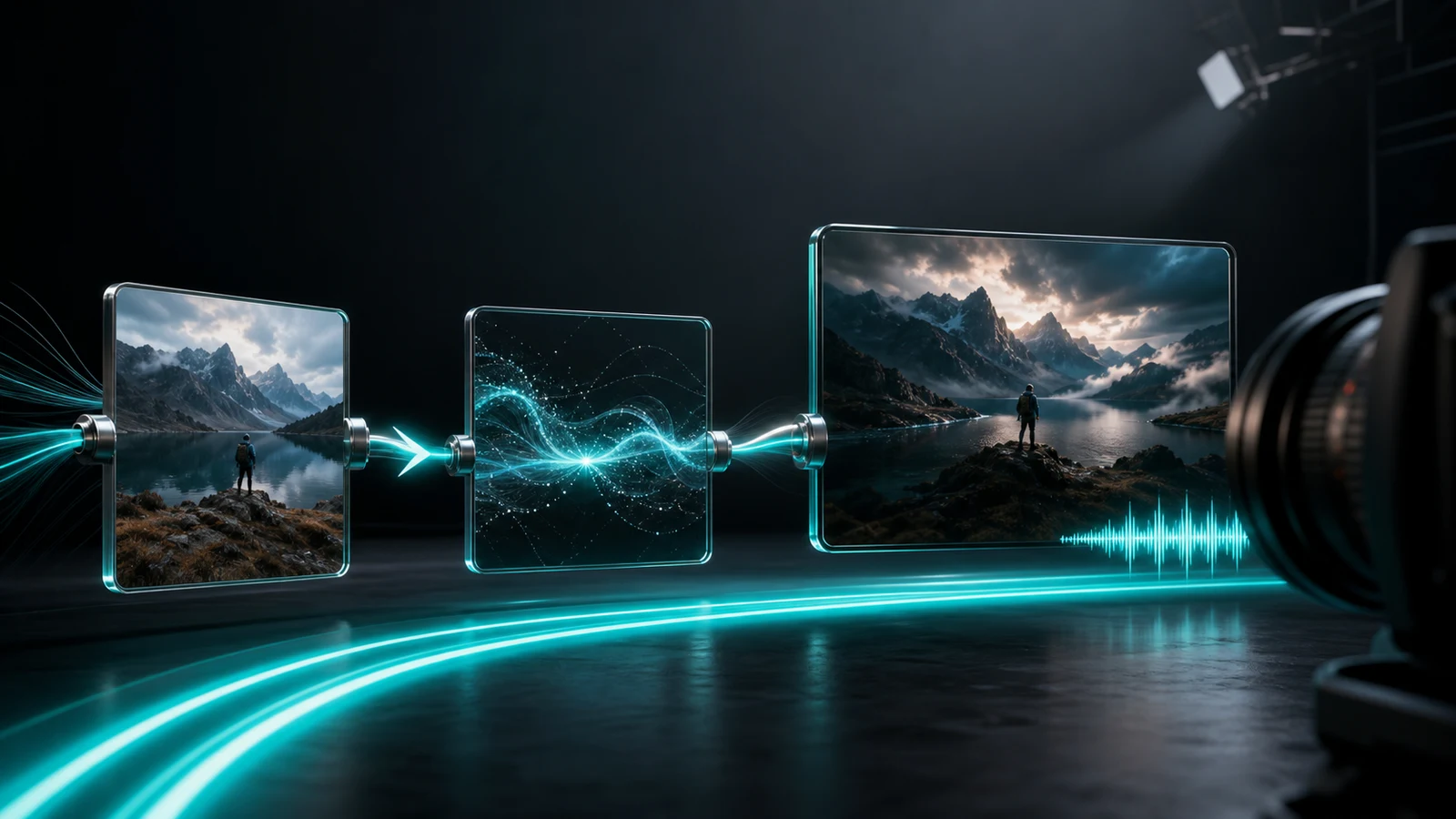
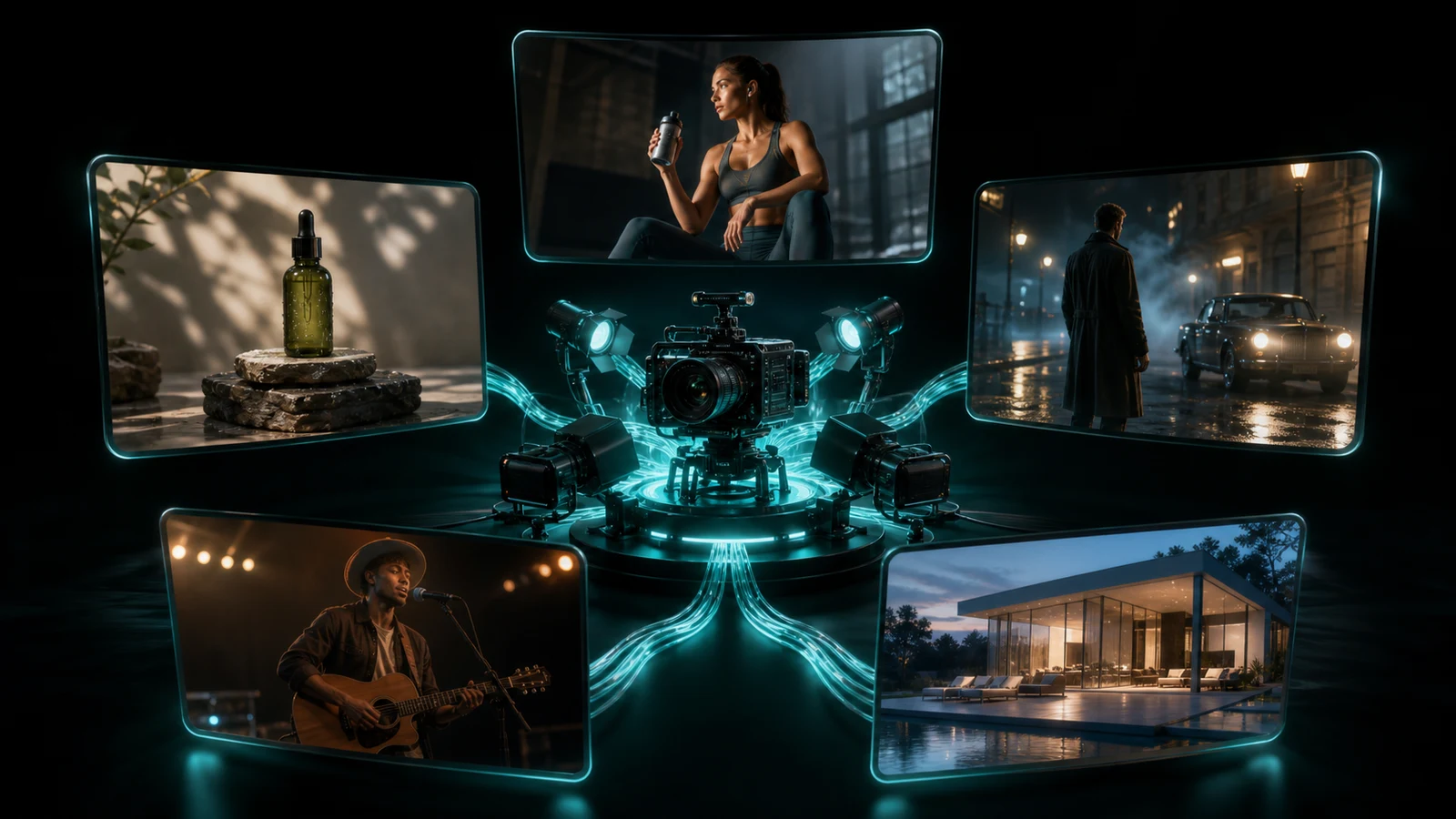
MiniMax H3 is not a general-purpose video toy. It is a production tool with specific strengths — and like any tool, it delivers the most value when you point it at the right job. The models that came before it could generate impressive visuals, but they struggled with consistency, audio, and the kind of end-to-end workflow that real commercial production demands. H3 closes enough of those gaps that certain use cases move from "technically possible but impractical" to "actually worth doing."
Here are the five scenarios where MiniMax H3's combination of native 2K resolution, synchronized audio, generous reference control, instruction-based editing, and competitive pricing makes the strongest case for adoption.
Use Case 1: Social Media Ad Creatives
Why H3 Fits
Social advertising has a specific set of requirements that align almost perfectly with H3's capabilities:
- Duration. TikTok, Reels, and Shorts ads perform best at 10–15 seconds. H3 generates up to 15 seconds in a single pass — exactly the sweet spot.
- Audio. Social ads need sound. Silent clips do not stop the scroll. H3's native audio produces dialogue, sound effects, and background atmosphere in one generation, so the output is closer to a deliverable ad than a visual placeholder.
- Aspect ratios. The same ad concept needs to run as 9:16 (Stories/Reels), 1:1 (Instagram feed), 16:9 (YouTube), and sometimes 4:5 (Facebook). H3 supports six aspect ratios natively — one generation per format, no cropping required.
- Multi-shot structure. A good social ad has a hook, a product moment, and a closing frame. At 15 seconds with multi-shot capability, H3 can produce all three beats in one clip rather than stitching three separate generations together.
How to Use It
Structure your prompt as a miniature commercial brief:
`` A pair of matte black wireless earbuds float against a deep red velvet backdrop. The camera slowly orbits to the right as a single spotlight sweeps across the chrome surface, revealing fine texture details. The earbuds snap together magnetically in mid-air. Sleek premium tech commercial aesthetic, dramatic directional lighting. Subtle electronic hum, satisfying magnetic click on snap, then deep ambient bass fade. ``
What to Expect
- A single generation can produce a review-ready ad creative with visuals, motion, and sound.
- Brand logos and precise text overlays are still safer to add in post — H3 handles scenes and motion well, but exact typography is not its strength.
- Generate 3–5 variations from the same prompt structure, then A/B test the winners.
- Use instruction-based editing to swap product colors, change backgrounds, or adjust pacing without regenerating from scratch.
Watch Out For
- Small text and logos may render inaccurately. Add these in post-production.
- For multi-language ad campaigns, Kling 3.0 Pro's multi-language dialogue may be a better fit for the speech-heavy variants.
Use Case 2: E-Commerce Product Videos
Why H3 Fits
E-commerce product pages increasingly require video — not just for premium listings, but as a baseline expectation across platforms. Traditional product video production is expensive: studio rental, lighting rigs, camera crews, and post-production. For many sellers, especially those with large catalogs, this cost is prohibitive.
H3 changes the economics. A single product photograph can be the starting point for a dynamic video — a rotating showcase, a feature walkthrough, or a lifestyle context shot — at a fraction of the cost of a studio shoot.
- Image-to-video workflow. Upload a clean product photo as a reference, and H3 generates motion around it. The product's shape, color, and proportions stay anchored to the reference.
- Multiple aspect ratios. The same product needs a 16:9 hero video for the product page, a 9:16 vertical clip for the detail section, and a 1:1 square for social sharing. H3 handles all three from the same prompt.
- Volume economics. At \~$0.13 per second, a 10-second product video costs \~$1.30. For a catalog of 200 products, that is $260 — less than a single hour of studio time.
How to Use It
Combine a product reference image with a descriptive prompt:
`` A [product] slowly rotates on a [surface] inside [environment]. The camera [movement] as [lighting effect] highlights [key feature]. Clean [brand style] aesthetic. Soft ambient music with subtle product sound. ``
Full example:
`` A ceramic white diffuser slowly rotates on a light oak table inside a sunlit minimalist bedroom. The camera orbits gently to the left as morning light catches the mist rising from the top. Clean Scandinavian lifestyle aesthetic, warm natural lighting. Soft ambient hum and gentle water bubbling. ``
What to Expect
- Product shape and core visual identity remain stable when anchored to a reference image.
- Works well for: apparel, electronics, cosmetics, home goods, food packaging, accessories.
- For products with reflective surfaces (glass, metal, chrome), the lighting and reflection behavior is generally convincing.
- Batch generation is practical: submit multiple product videos in parallel via API and collect results asynchronously.
Watch Out For
- Exact packaging text, ingredient lists, and regulatory labels will not render accurately. Overlay these in post.
- Products with very fine detail (watch mechanisms, circuit boards) may lose precision at 2K. Test before committing to a full catalog run.
- For high-stakes hero content (homepage banners, launch campaigns), consider pairing H3 output with a traditional shoot for the primary asset, using H3 for secondary placements.
Use Case 3: Short-Form Narrative Content
Why H3 Fits
Short-form narrative — episodic social content, vertical short dramas, micro-stories — has exploded across TikTok, Douyin, Instagram, and YouTube Shorts. The challenge: producing narrative content with recurring characters is expensive and logistically complex. You need consistent talent, locations, and production quality across episodes.
H3 addresses the core bottleneck: character consistency across shots and episodes.
- Omni-Reference. Upload reference images, video clips, and audio for each recurring character. The model preserves their face, clothing, voice, and movement style across generations. This is not just cosmetic consistency — it is narrative consistency. A character is recognizable from episode to episode.
- 15-second scenes. Each generation can contain a complete story beat: setup, action, reaction, resolution. For 15-second-per-episode formats, this is one generation per episode.
- Native dialogue. Characters can speak lines that are synchronized with mouth movements. Combined with ambient sound and music, the output feels closer to a produced scene than an AI experiment.
- Instruction-based editing. A line of dialogue is slightly off? A character's expression needs to be more surprised? Edit in place rather than regenerating the entire scene.
How to Use It
Build a character reference set first, then use it consistently across episodes:
``` [Character: young woman, mid-20s, dark bob haircut, wearing a green military-style jacket. Reference images uploaded.]
She walks into a dimly lit underground parking garage, keys in hand. Her footsteps echo. She stops suddenly — a shadow moves between the pillars behind her. She turns, eyes wide. Begin with a wide establishing shot of the garage, cut to a medium tracking shot following her, then snap to a tight close-up of her face as she turns. Whispered breath. Echoing footsteps, distant dripping water, low-frequency tension drone. ```
What to Expect
- Character identity holds well within a single generation and across episodes when the same reference set is reused.
- Dialogue is intelligible and timed to mouth movements, though emotional nuance may vary. Test key lines before committing to a full episode arc.
- Works best for: mystery/thriller hooks, comedy sketches, relationship vignettes, horror shorts, lifestyle micro-stories.
- The 15-second format naturally suits cliffhanger structures — each episode ends on a hook, driving viewers to the next.
Watch Out For
- Character consistency degrades if you change the reference set between episodes. Lock your references early and reuse them.
- Complex multi-character scenes (3+ people interacting) are harder to control. Keep dialogue scenes to 2 characters per generation for best results.
- Lip-sync quality varies by language. Test in your target language before scaling production.
Use Case 4: Music Visuals and Performance Clips
Why H3 Fits
Music-driven visual content — album teasers, single artwork animations, social music clips, animated performance videos — is a growing category where AI video has natural advantages. The visual does not need to be photorealistic or narratively complex. It needs to be rhythmic, mood-appropriate, and shareable.
H3 brings three specific strengths to this category:
- Native audio alignment. Sound effects, ambient audio, and generated music are timed to the on-screen action during generation. For beat-driven content, this means visual movements can land on the beat without manual synchronization in post.
- 24fps cinematic cadence. Film-standard frame rate gives the output a natural visual rhythm that works well for music-driven content.
- Reference audio input. You can supply a short audio clip as a reference, and the model absorbs its mood and rhythm into the generation. This is not the same as "synchronizing to a specific track" — the model generates its own audio — but it influences the pacing and energy of the output.
How to Use It
`` A dancer in a flowing red silk dress moves through slow, expressive contemporary choreography in an empty industrial warehouse. Shafts of dust-filled light cut through broken skylights above. Camera: slow dolly forward, then gentle orbit to the right. Moody contemporary dance film aesthetic, muted earth tones with the red dress as the only saturated color. Ethereal ambient music with soft percussive hits synced to movement peaks. ``
What to Expect
- The generated audio will be original — not your actual track. Use the generated output as a visual foundation, then replace or mix the audio in post with your actual music.
- Beat alignment is generally good for simple rhythmic patterns. Complex polyrhythms or tempo changes may not sync perfectly.
- Works well for: album teasers, lyric video visuals, social clips for musician profiles, concert visuals, playlist cover animations.
- Generate at 5 seconds first to test rhythm and mood. If it works, extend to 15 seconds.
Watch Out For
- H3 generates its own audio, not a remix of your track. Do not expect it to produce a visual synchronized to a specific copyrighted song. Use the visual output and add your music in post.
- For precise beat-sync (every snare hit on a visual flash), manual editing will still be needed. H3 gets you 80% of the way; the last 20% is post-production.
- Stylized and abstract visuals tend to perform better than realistic performance simulations, where uncanny valley effects can be distracting.
Use Case 5: Creative Pre-Visualization
Why H3 Fits
Before a single frame of a commercial, brand film, or narrative project is shot traditionally, someone needs to communicate the idea — what the shot looks like, how the camera moves, what the lighting feels like, how the scene flows. Traditionally, this is done with storyboards (static drawings), mood boards (reference images), or animatics (rough animated sequences). All of these take time and specialized skill to produce.
H3 can generate a cinematic preview of a shot in minutes, at a cost of roughly $1–$2 per clip. For directors, agency creative teams, and brand-side producers who need to align stakeholders before committing to a production budget, this is a significant workflow improvement.
- Speed. A shot concept that takes a storyboard artist hours can be generated in minutes.
- Fidelity. Unlike a rough animatic, H3's output has real lighting, camera movement, and audio — close enough to the intended final product that stakeholders can evaluate it meaningfully.
- Iteration. Instruction-based editing means the director can say "slower camera move" or "warmer lighting" and get a revised version without starting over.
- Cost. At $1–$2 per shot, you can explore dozens of creative directions for the cost of a single traditional pre-production meeting.
How to Use It
Write your prompt like a shot list entry:
`` Interior, luxury penthouse living room, late afternoon. A woman in a charcoal business suit stands floor-to-ceiling windows overlooking a city skyline. She holds a glass of whiskey, turns slowly toward camera. Camera: wide establishing shot, then slow push-in to medium close-up. Golden hour lighting with long shadows, warm amber tones. Mood: quiet power, contemplative. Cinematic brand film aesthetic. Ambient city hum, ice clinking in glass, distant elevator chime. ``
What to Expect
- The output will not look exactly like your final product — but it will be close enough to evaluate creative direction, pacing, and mood.
- Stakeholders who struggle to interpret static storyboards respond much better to moving, sounding previews.
- Works well for: TVC pre-production, brand film pitch decks, music video treatment presentations, internal creative reviews, client approval processes.
- Generate multiple variations of the same shot with different camera moves, lighting setups, or moods to give the team real options to discuss.
Watch Out For
- Pre-viz output should be labeled clearly as "concept preview" — not as a promise of final quality. Manage client expectations.
- Do not over-invest in perfecting pre-viz clips. Their purpose is to align direction, not to serve as final assets. Generate, review, decide, move on.
- For complex shots with stunts, pyrotechnics, or crowd scenes, H3's output is directional at best. Use it to communicate the intention, not to simulate the execution.
General Tips for Getting the Best Results Across All Use Cases
These five principles apply regardless of which scenario you are working in:
- Use professional shot language. Write "slow orbit to the right" or "handheld tracking shot" — not "camera moves around." H3 follows film vocabulary. The more precise your camera direction, the more predictable the output.
- Upload clean reference material. For character work, use evenly-lit, front-facing, unobstructed photos. For product work, use high-resolution images with clean backgrounds. Reference quality directly determines output quality.
- Iterate with edits, not regenerations. When a generation is 85% right, use instruction-based editing to fix the 15% that is wrong. This preserves what works and saves time and cost.
- Generate in batches. Run 3–5 variations of the same prompt, then select the best. AI video is still probabilistic — the first generation is rarely the best one. Budget for multiples.
- Start short, then extend. Test your prompt and references at 5 seconds. If the output quality and direction are right, extend to 10 or 15 seconds. This saves cost during the exploration phase and reduces wasted generations.
The Bottom Line
MiniMax H3 is not the right tool for every video production need. It cannot replace a film crew for a high-budget brand campaign. It cannot produce broadcast-quality long-form content. It cannot render 4K output or guarantee pixel-perfect product shots.
But for the five use cases outlined above — social ad creatives, e-commerce product videos, short-form narrative content, music visuals, and creative pre-visualization — H3 offers a combination of quality, control, speed, and cost that fundamentally changes what is practical. Tasks that previously required multiple specialized tools and significant production budgets can now be accomplished in a single model, in a single session, at a fraction of the cost.
The teams that will benefit most are not the ones chasing the highest possible quality on a single output. They are the ones producing at volume — testing, iterating, and shipping multiple variations of short-form content across platforms. For that kind of work, H3 is not just competitive. It is the most efficient option available in mid-2026. For more use case inspiration, prompt templates, and practical H3 resources, visit minimaxh3.art.
参考资料
- OpenArt Use Cases: <https://openart.ai/ai-model/minimax-h3/>
- DeeVid Best-Fit Scenarios: <https://deevid.ai/blog/minimax-h3-review>
- Atlas Cloud Production Scenarios: <https://www.atlascloud.ai/zh/models/minimax-h3>
- OrcaRouter Scenarios: <https://www.orcarouter.ai/blog/minimax-h3-hailuo-3-explained>
- Kie.ai Use Cases: <https://kie.ai/blog/what-is-hailuo-h3>