Last updated: July 2026
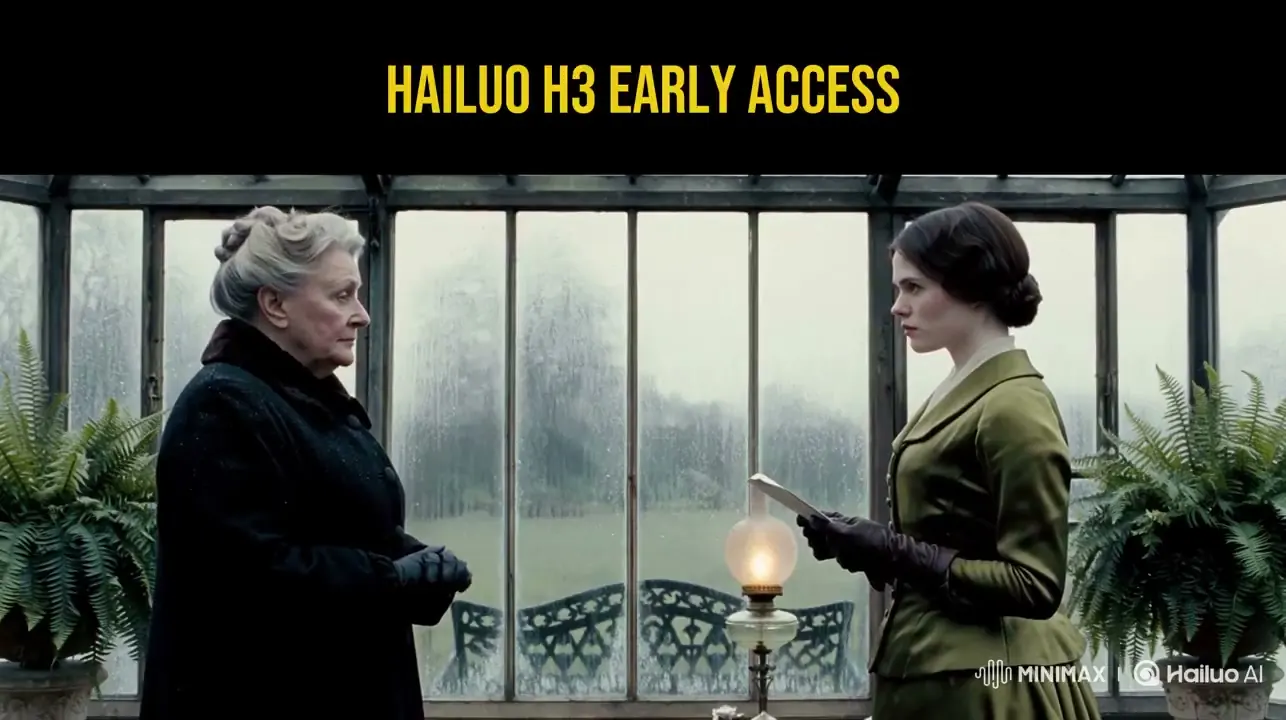
If you follow AI video closely, the name MiniMax H3 has been hard to miss in late July 2026. Creators call it Hailuo 3.0. Platforms list it as a flagship video model. Official accounts tease it with brief captions alongside long demo reels. What has been harder to find, however, is a clear, well-sourced summary that separates product specs, official signals, and early-access noise.
This article provides that breakdown.
Sources used for this guide
| Source | Details extracted |
|---|---|
| OpenArt — MiniMax H3 model page | Public product specs: 2K, 24fps, clip duration, omni-reference counts, audio, aspect ratios, edit mode |
| @MiniMax_AI / @Hailuo_AI on X | Official teases (#MiniMaxH3, “It’s coming”) and positioning notes (commercial / gaming UI) |
| MiniMax Token Plan docs | Confirmation of MiniMax H3 as a named special model (excluded from standard Token Plan coverage) |
| CPP / early-access creator posts | Qualitative signals only (consistency, multi-shot, music-video tests)—not treated as official lab benchmarks |
We explicitly do not treat third-party pages claiming "native 4K / 60fps / 30s default" as primary specs when they conflict with OpenArt’s documented product sheet.
What MiniMax H3 is
MiniMax H3 is MiniMax’s latest video generation model in the Hailuo lineup. Public model pages also brand it Hailuo 3.0. It is distinct from MiniMax M3 (the text/agent model)—same parent company, completely different function.
In plain terms:
- You write a prompt or start with an image (and optionally add reference files).
- The model outputs a short, 2K-class clip rendered at a film-standard frame rate (24fps).
- Dialogue, sound effects (SFX), and ambient audio are generated in the same pass as the video.
- You can lock the visual style, character, motion, and voice using an extensive omni-reference feature.
- You can iterate using instruction-based edits instead of re-rolling generations from scratch.
This combination of resolution, duration, precise control, and single-pass audio explains why H3 is heavily discussed alongside Seedance, Kling, and other 2026 frontier video systems—even as independent arena benchmark scores continue to develop.
Key specifications (from OpenArt’s public sheet)
These specifications are sourced directly from OpenArt’s published MiniMax H3 page—the most comprehensive public product sheet available at this time.
| Capability | MiniMax H3 (Hailuo 3.0) Public Specs |
|---|---|
| Resolution | Native 2K (fine details generated natively, not via a separate upscaling pass) |
| Frame rate | 24fps (standard film and broadcast cadence) |
| Clip length | Approximately 5–15 seconds per generation; OpenArt also documents an Extend feature reaching ~30s |
| Modes | Text-to-video, image/keyframe workflows, and multi-shot storytelling within a single clip |
| Omni-reference | Up to 9 images, 3 video clips, and 3 audio clips in a single generation |
| Audio | Synced dialogue, SFX, and atmospheric sound—generated alongside the video |
| Editing | Instruction-based edits on existing generations (character, object, scene, sound, pacing) |
| Aspect ratios | 21:9, 16:9, 4:3, 1:1, 3:4, 9:16 (plus adaptive framing options) |
Why "native 2K at 24fps" matters
Many short-form tools still rely on soft 720p output that gets scaled up artificially. OpenArt’s specifications highlight H3's commitment to native 2K pixel density right out of the generator, combined with a fixed 24fps timeline. This allows clips to fit seamlessly into professional editorial workflows without frame-blending artifacts.
If your destination is a high-resolution display, retail screen, commercial client delivery, or any pipeline that rejects soft upscales, this architectural difference is crucial.
The significance of 15-second multi-shot generations
Previous-generation Hailuo 2.3 models typically targeted ~10s / 1080p single-shot hooks. H3’s spec sheet extends a single generation up to 15 seconds while enabling multiple camera shots within one clip. This marks the transition from:
- Generating a "single cool shot," to
- Producing an "intro → product highlight → conclusion" sequence in a single reviewable file.
For advertisements and social media content, this matches the exact structure required for production.
Omni-reference: control that goes beyond pretty demos
OpenArt details a robust reference budget:
- 9 reference images
- 3 reference video clips
- 3 reference audio clips
These assets act as direct guidance inputs for style, character identity, motion, and voice, rather than rigid frame locks. Early-access creators are actively testing this feature for:
- Character consistency across wide, medium, and close-up shots
- Style consistency (maintaining identical storyboards across anime and live-action looks)
- Voice and audio identity for commercial scripts requiring consistent voiceovers
- Commercial sequences where branding and product design must not drift
Official updates from Hailuo have consistently highlighted commercial and gaming UI applications—signaling a focus on precision control and production reliability over unguided generations.
Best practice: Omni-reference capabilities depend heavily on source quality. Balanced lighting, clear facial angles, and clean audio samples will consistently outperform noisy screen captures.
Single-pass audio: unified video and sound creation
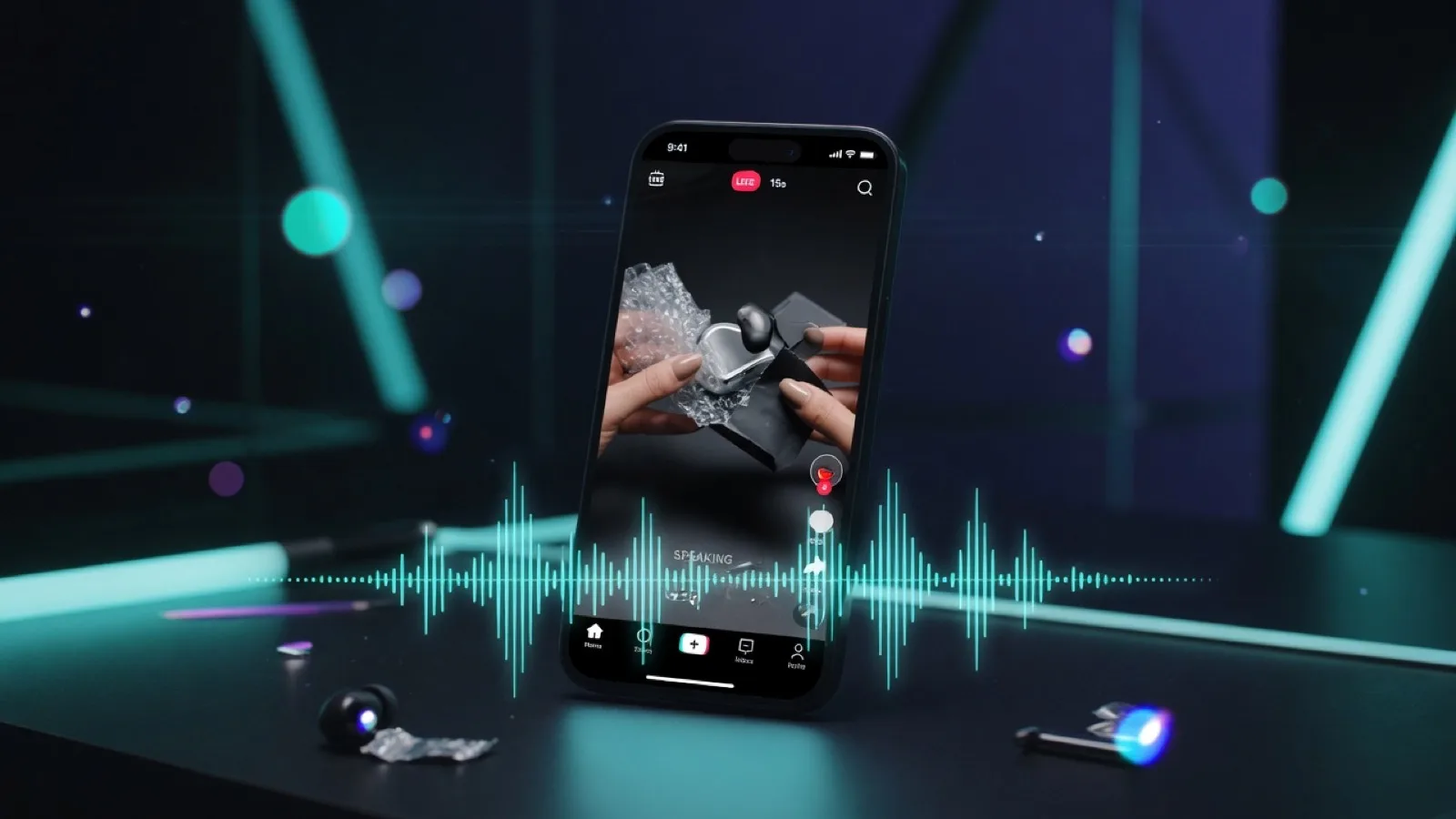
H3's workflow moves beyond silent video outputs that require post-production audio editing. It generates visuals, dialogue, SFX, and ambient sound simultaneously in a single pass, synced to the action on screen.
While it does not replace a final studio mix for TV broadcasting, it eliminates the tedious short-form post-production process of:
- Generating silent video clips
- Searching for matching sound effects
- Manually syncing lip movements
- Exporting low-engagement audio tracks
For social reels, product loops, game teasers, and pitch demos, single-pass audio delivers a complete, shareable draft immediately.
Instruction-based editing: precise iteration
Another key feature detailed on the OpenArt specification sheet is editing through natural language instructions.
Supported edit operations include:
- Changing wardrobe colors
- Replacing scene backgrounds
- Adjusting motion pacing
- Modifying audio elements without regenerating the video track
For production teams, this changes the iteration process. Rerunning a generation from scratch resets composition, lighting, and performance. Instruction-based edits allow you to refine specific elements while preserving the existing shot.
MiniMax H3 vs. Hailuo 2.3 comparison
| Feature | Hailuo 2.3 (Standard positioning) | MiniMax H3 / Hailuo 3.0 (OpenArt specs) |
|---|---|---|
| Resolution | ~1080p class | Native 2K |
| Clip Duration | ~10-second range | Up to ~15s (extension path up to ~30s) |
| Audio Sync | Separate / manual workflows | Single-pass synchronized audio |
| Reference Capacity | Prompt + single image style inputs | Omni-reference (multi-image, video, and audio) |
| Iteration Method | Complete regeneration | Instruction-based editing |
| Narrative Structure | Single moment / single shot | Multi-shot sequences in one generation |
If you relied on Hailuo for its motion and physics handling, H3 focuses on making those core strengths production-ready through higher resolutions, longer sequences, deeper control, and embedded audio.
Official announcements vs. broader claims
As of late July 2026, official public updates regarding H3 consist primarily of teaser announcements rather than exhaustive technical papers:
- @MiniMax_AI published a prominent teaser: “It’s coming.” tagged with
#MiniMaxH3, linking directly to the Hailuo video ecosystem. - @Hailuo_AI featured the
#MiniMaxH3tag, shared community tests, and highlighted specific enterprise use cases (such as commercial ads and gaming UI). - MiniMax developer documentation categorizes MiniMax H3 under specialized models outside the standard Token Plan—confirming H3 as an official product release, even while API access remains managed.
To maintain accurate expectations, we do not confirm:
- Standard global API pricing tiers across all regions
- Unverified third-party "Rank #1" benchmark claims
- Native 4K/60fps default outputs (these claims conflict with OpenArt's documented 2K/24fps sheet)
Core recommendation: Reference OpenArt for exact technical specifications, rely on official channels for availability updates, and test prompts directly to evaluate quality.
MiniMax H3 in 2026 production workflows
The AI video landscape features competitive options, including Kling, Seedance audio-video models, and Google Veo. H3 focuses its feature set on specific production requirements:
- Granular Control (Omni-reference + instruction edits)
- Audio-Integrated Outputs (Single-pass sync)
- Delivery-ready format (native 2K at 24fps)
- Commercial Consistency (Character and visual lock)
Ideal production use cases
- 15-second commercial spots — Create intro, product feature, and call-to-action sequences without stitching separate clips.
- Character-driven content — Maintain facial features and voice profiles across varying camera angles.
- E-commerce product video — Convert approved product stills into animated assets complete with sound effects.
- Pitch storyboards — Generate complete multi-shot narrative concepts for client reviews.
If your workflow prioritizes maximum raw resolution above all else, benchmark H3 against native 4K tools. If your priority is complete, controlled short-form video with integrated audio, H3 is tailored specifically for that environment.
Best practices for prompt and reference management
1. Use explicit camera directives
OpenArt recommends incorporating explicit camera movements into your prompts: "slow right orbit," "handheld tracking shot," or "static wide shot transitioning to push-in." Clear camera action stabilizes movement better than descriptive style adjectives.
2. Define audio parameters explicitly
Because audio is generated concurrently with the video track, detail sound elements within your prompt:
- Dialogue lines (exact phrasing)
- Action-triggered sound effects
- Environmental ambiance or musical cues
3. Maintain reference file quality
- Ensure balanced, even lighting
- Use clear, unobstructed face angles
- Keep wardrobe consistent across source images
- Provide clean, noise-free audio samples for voice identity
4. Utilize targeted edits before regenerating
If an output is mostly accurate, use instruction-based editing to adjust specific elements. Save full prompt regenerations for fundamental composition or framing changes.
5. Select framing options early
Select your target aspect ratio upfront—9:16 for vertical video (Reels, TikTok, Shorts), 16:9 for widescreen video, or 21:9 for cinematic layouts—prior to adjusting lighting and styling details.
Accessing MiniMax H3
Availability varies by access tier:
| Access Path | Availability Details |
|---|---|
| Hailuo / MiniMax Official Channels | Early access, Creator Partner Program (CPP), and gradual app rollouts; check official accounts for access updates |
| Partner Platforms (e.g., OpenArt) | Detailed product specs and direct generation interfaces as features roll out |
| Independent Studio minimaxh3.art | A web-based studio environment offering text-to-video and image-to-video workflows inspired by H3 features; standard platform credits apply |
Related guides on this site:
- How to Create 2K AI Video with Audio Using MiniMax H3 — Practical studio tutorial
- Pricing — Credit packages and plans for production scaling
Frequently Asked Questions
Is MiniMax H3 identical to Hailuo 3.0?
Yes, in terms of product naming: MiniMax H3 and Hailuo 3.0 refer to the same underlying video generation model across partner platforms and product documentation.
Is MiniMax H3 related to MiniMax M3?
No. MiniMax M3 refers to the text and agent model series, whereas H3 is specifically built for video generation.
Does H3 outperform Seedance or Kling?
Performance depends on the specific use case. Comparative tests across music videos, commercial clips, and character consistency demonstrate distinct strengths across models. We recommend testing identical prompts, references, and aspect ratios across platforms for your specific workflow.
Does MiniMax H3 generate native audio?
According to OpenArt’s specifications, yes. The model generates synchronized dialogue, sound effects, and ambient audio within the main generation pass when supported by the workflow.
What specs should be used in commercial documentation?
For accurate technical documentation, cite native 2K resolution, 24fps frame rate, and durations up to ~15 seconds (per OpenArt). Avoid referencing unverified 4K or 60fps specifications unless explicitly supported by your rendering backend.
Summary
MiniMax H3 (Hailuo 3.0) introduces significant technical updates to MiniMax’s video architecture, featuring native 2K rendering, 24fps film cadence, multi-shot capabilities, omni-reference controls, single-pass synced audio, and instruction-based editing. Official rollouts are progressing through early-access phases, with OpenArt providing the primary public specification sheet to date.
For short-form commercial production—including advertising, social media assets, product demonstrations, and narrative concepts—H3 provides a strong combination of precision control, built-in audio, and 2K delivery-ready outputs.
Start a studio workflow: Open the MiniMax H3 studio on minimaxh3.art
References
- OpenArt — MiniMax H3: https://openart.ai/ai-model/minimax-h3/
- MiniMax Token Plan (Specialized models documentation): https://platform.minimax.io/docs/token-plan/intro
- MiniMax Official X Account: https://x.com/MiniMax_AI
- Hailuo AI Official X Account: https://x.com/Hailuo_AI
- MiniMax Official Site: https://www.minimax.io/
- Hailuo AI Official Site: https://hailuoai.com/