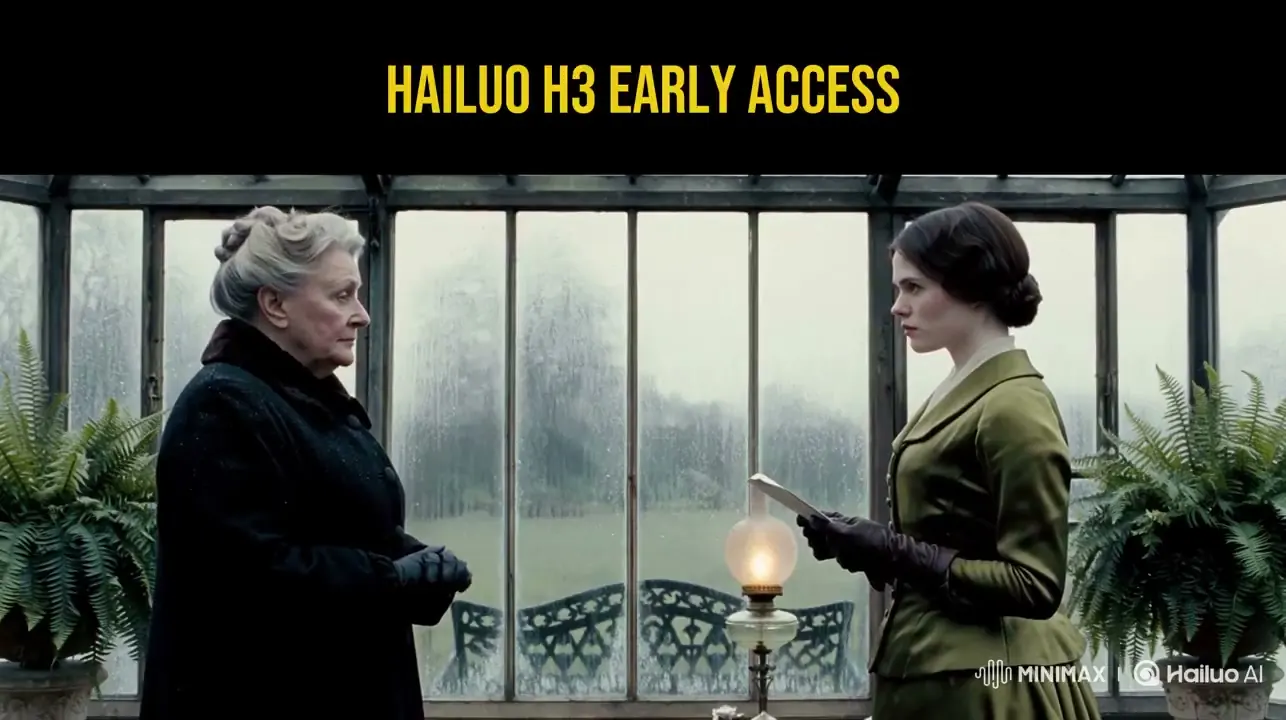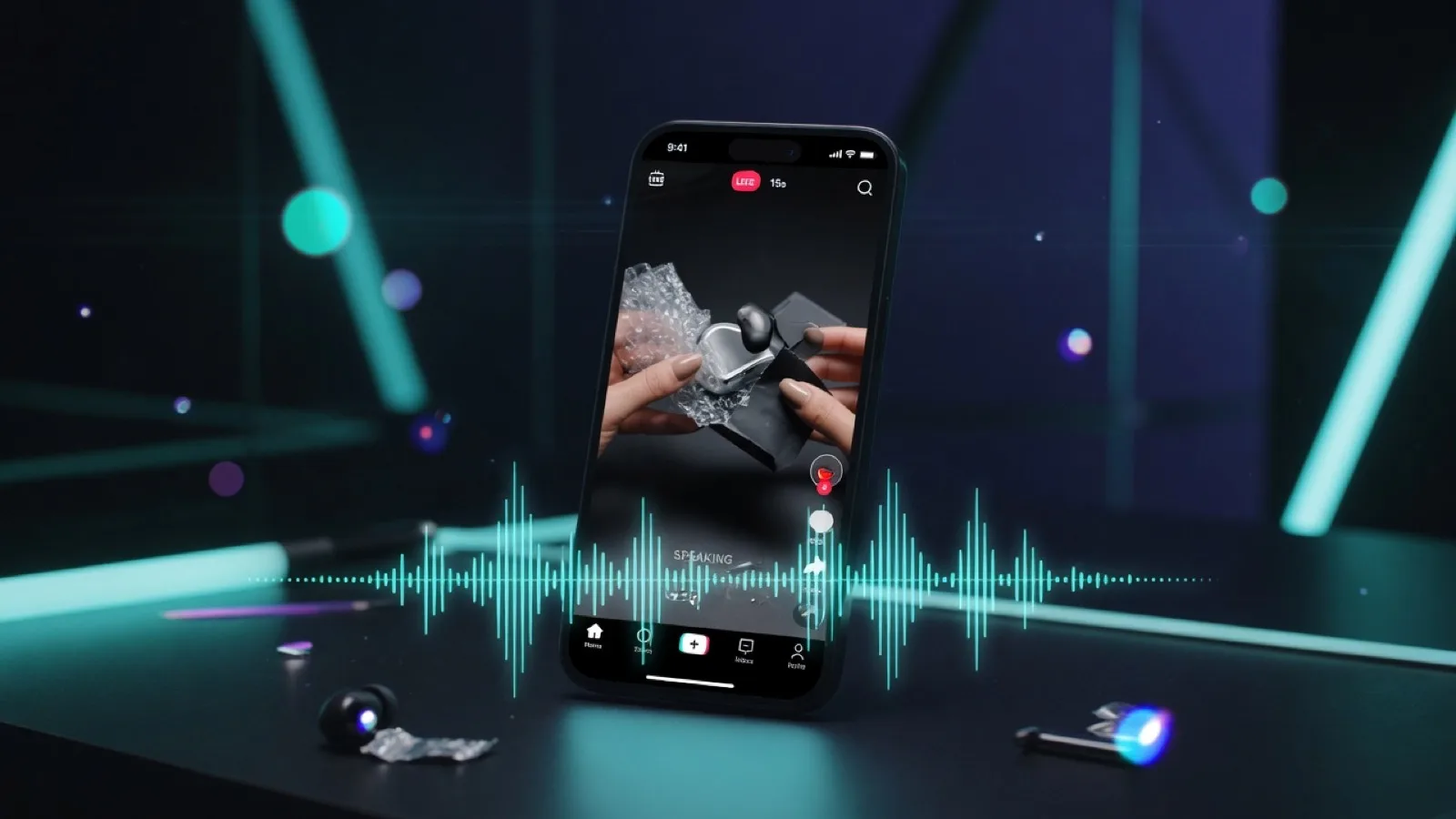
A practical studio guide for turning prompts or still frames into short 2K-class AI video with synced audio—using MiniMax H3 (also searched as Hailuo 3.0 / 海螺3) for ads, social, fashion, trailers, and product demos.
Full guide (web): https://minimaxh3.art/blog/minimax-h3-2k-text-image-video-guide Studio homepage: https://minimaxh3.art/ PDF download: https://minimaxh3.art/blog/minimax-h3-2k-text-image-video-guide/minimax-h3-2k-text-image-video-guide.pdf
Who this guide is for
- Marketers who need short product ads with sound in one pass
- Creators shipping Reels / TikTok / Shorts without a separate sound-design stack
- Fashion and brand teams animating lookbook stills
- Game and UI teams prototyping lobby intros and entrance cinematics
- Anyone evaluating text-to-video vs image-to-video for commercial workflows
What MiniMax H3 is (and is not)
MiniMax H3 (community / SEO aliases: Hailuo 3.0, Hailuo 03, 海螺3) refers to a flagship AI video generation model line known for:
- Native 2K-class output
- Film-cadence motion (~24fps feel)
- Text-to-video and image-to-video in one studio
- Synced audio (dialogue, SFX, atmosphere) generated with the picture
- Multi-ratio framing (e.g. 16:9 landscape, 9:16 vertical)
- Clip lengths suitable for short-form (often in the multi-second to ~15s class depending on plan and backend)
On minimaxh3.art, you use H3 through a browser studio: account, credits, plans, and a generation UI. Backend model IDs are not something end users need to manage.
Text-to-video vs image-to-video
| Mode | Best when | What you provide | What you get |
|---|---|---|---|
| Text-to-video | You can describe subject, camera, lighting, and sound | A detailed prompt (optional reference images when supported) | A motion clip driven by language |
| Image-to-video | You already have a strong still (product, lookbook, UI art) | Start frame + motion / style instructions | Motion that respects the still’s composition |
Rule of thumb: if the brand identity lives in an approved still, prefer image-to-video. If you are exploring atmosphere, camera language, or concept spots, start with text-to-video.
Step-by-step: generate in the MiniMax H3 studio
- Open https://minimaxh3.art/ and go to the Video Studio section.
- Sign in (trial credits may apply when enabled).
- Choose Text to Video or Image to Video.
- For text-to-video: write a prompt that includes subject, action, camera, lighting, and audio cues.
- For image-to-video: upload a clear start frame (JPG/PNG within size limits) and describe the motion.
- Pick duration (e.g. 6s / 10s) and aspect / quality (e.g. 16:9 HD or 9:16 vertical).
- Generate, preview with sound on, then export for your channel.
Successful generations consume credits by resolution and length tier. See Pricing.
Prompt patterns that work for H3-style video
1) Product / brand ad (text-to-video)
``text Cinematic product hero shot of a matte black wireless earbud on a reflective black acrylic stage. Slow orbit camera, soft teal rim light, subtle dust motes, shallow depth of field. Synced audio: soft electronic whoosh on the orbit, quiet premium product sting at the end. No logos invented. 16:9, commercial look. ``
2) Social vertical hook (text-to-video)
``text Handheld energy on a neon night market street. Fast push-in toward a street-food stall, steam rising, colorful lanterns, rain-slick pavement reflections. Vertical 9:16. Audio: crowd murmur, sizzle SFX, distant bass from a speaker. ``
3) Fashion one-shot (image-to-video)
``text Keep the model's pose and outfit exactly as in the still. Gentle wind in fabric, slow camera push-in, golden-hour haze, anamorphic lens feel. Subtle footsteps and soft outdoor ambience; no dialogue. ``
4) Game entrance cinematic (image-to-video)
``text UI/hero art as the locked start frame. Dramatic camera rise into a lobby entrance, volumetric light shafts, embers, film grain. Audio: low brass hit + UI shimmer on the logo settle. ``
Audio tip: write sound the same way you write camera—one clause for SFX, one for music/atmosphere, one for dialogue if needed. Always preview with sound on before export.
Commercial use cases checklist
- Brand & product ads — stills or offers → short paid-social clips
- Social short-form — vertical hooks with sound in the same pass
- Fashion & lookbook — animate approved frames for drops
- Film teaser atmosphere — lighting, weather, camera drift for pitches
- Game & UI cinematics — lobby intros and character entrances
- E-commerce demos — catalog photos into short motion demos
Quality and production tips
- Lock the subject first. Vague subjects produce wander. Name materials, colors, and brand-safe constraints.
- One camera idea per clip. Orbit or push-in or tracking—not all three.
- Match aspect to platform before generation (9:16 vs 16:9).
- Reference images (when available) help style/character consistency; keep them clean and well-lit.
- Credits scale with length and quality—batch test 6s drafts before 10s finals.
- Rights: you are responsible for reference images, brands, music, and likenesses you upload or depict. Commercial use is subject to the site Terms and your plan.
FAQ (short)
Does H3 generate audio with the video? Yes—dialogue, SFX, and atmosphere are designed to ship in the same pass so most short-form work does not need a separate sound-design pipeline.
How long do jobs take? Usually a few minutes depending on queue, length, and resolution.
Where do I start? Open the studio: https://minimaxh3.art/#app-section
Try MiniMax H3
Create 2K AI video with audio from text or images in the browser:
- Studio: https://minimaxh3.art/
- Pricing: https://minimaxh3.art/pricing
- About: https://minimaxh3.art/about
- Support: support@minimaxh3.art
Document type: practical guide / technical report for public distribution. Last updated: 2026-07-31.